
Why Do Eyeglass Lenses Reflect Green in Photos?
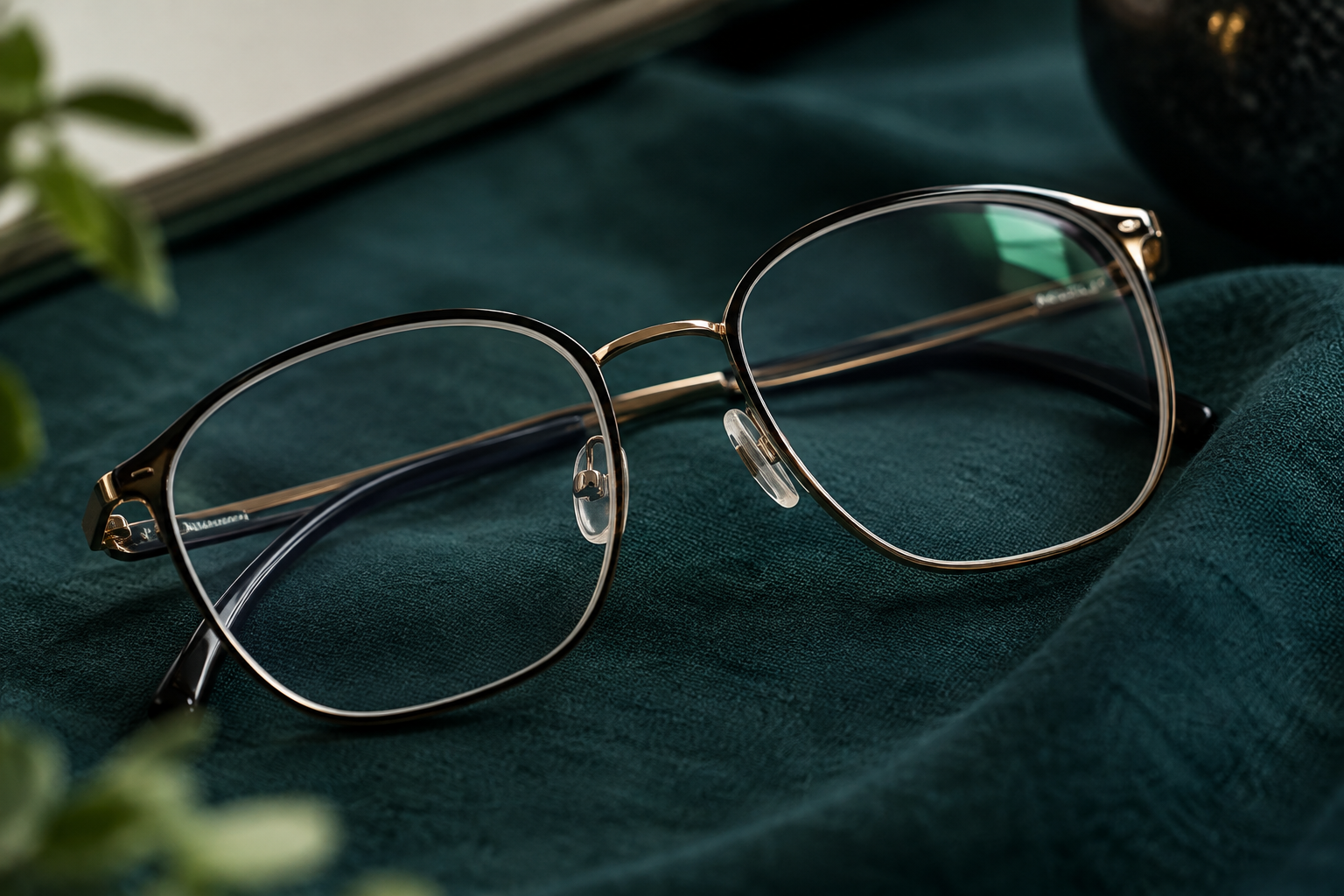
Your glasses look clear in the mirror, yet one lens shines green in a photo. On a video call, a blue spot appears and disappears when you turn slightly. Has the lens changed colour, or is its coating faulty?
Surface colour alone cannot establish a defect. A coating that reduces reflection can still leave some reflected light, sometimes with a particular colour. The colour seen through a lens and the colour reflected from its surface are different questions.
Tilt the glasses slowly under ordinary lighting. Does the whole lens appear consistently tinted, or does colour appear only where light catches it? This helps reveal the distinction.
Why “anti-reflective” can sound misleading
The name can suggest that no light reflects at all. It is more accurate to understand it as reducing surface reflections. Depending on lighting and angle, the remaining reflection may still be visible.
ZEISS's lens coating explanation describes using multiple coating layers to reduce reflections, with residual reflections sometimes showing green or blue tones. A coloured reflection therefore does not establish that a lens lacks an anti-reflective coating.
If a small green reflection makes you question your order, check the product name and order details first. Reflection colour is an observation, not a certificate identifying an exact lens.
Separate lens tint from reflection colour
Grey or brown sunglasses tints affect light passing through the lens. A green shape following a lamp on clear glasses may instead be light reflected towards another person or the camera.
There is no need to look towards strong lamps or the sun to investigate. Ordinary indoor lighting, a white background and a change of angle are sufficient. When comparing enlarged photos, consider camera exposure and surrounding light too.
Different colours in photos taken in different places do not prove a coating has changed. Describing a difference observed on the same glasses in the same setting is more useful for a consultation.

Does a blue reflection establish blue-light filtering?
Frequent use of “blue” in product descriptions can make all blue reflections seem equivalent. But reflection colour alone cannot establish wavelength performance or the filtering method.
ZEISS's BlueGuard brochure distinguishes filtering incorporated in the lens material from a surface-coating approach. Similar names or colours in photographs do not guarantee the same implementation. Do not transfer one product's performance figures to another lens.
Check the exact purchased product, its feature description and applicable conditions. “It looks blue in photos, so it must be better for screens” is not a useful selection rule. Discomfort during long screen sessions cannot be explained by one surface colour either.
For video calls, try moving the lighting first
If reflections bother you in photos or calls, adjust the light and camera slightly. A bright lamp beside the monitor may reflect directly towards viewers; changing its position is something to try before choosing new glasses.
This adjusts the filming environment rather than testing a coating. You need not wear your glasses at an uncomfortable tilt or tolerate blur without them to show your eyes. Keep the glasses comfortable and adjust the light around that position.
Compare bright reflection positions in the call application's preview. Facing a window, sitting beside it or moving a small lamp can produce different results. It is a simple way to separate a filming issue from a product concern.
Persistent marks need a separate check
A moving coloured reflection differs from a cloudy or peeling-looking mark that remains in place. A photo alone may not distinguish dirt, scratches and coating damage. If appearance changes and vision is affected, have the lens condition checked.
ZEISS's lens care guide explains suitable cleaning and microfiber cloth use. Avoid rubbing dusty lenses hard with clothing, and follow your lens and coating instructions. Do not polish away a coating to remove reflection colour.
A cleaner is not suitable for glasses merely because it cleans glass. Tell the person checking the lenses what solution you used and when the marks appeared.

Describe the pattern, not just the colour name
With new glasses, check vision and surface condition under normal lighting. Ask about unfamiliar reflections alongside the product description. Explain whether they appear on one side, disappear with angle or remain in the same place after cleaning.
Green and blue are not simple grades of good and bad coatings. Knowing that some light can remain reflected helps you assess actual vision and lens condition calmly instead of judging a fleeting colour in a photograph.